
Was this page helpful?
Caution
You're viewing documentation for an unstable version of Scylla Manager. Switch to the latest stable version.
Swagger File
ScyllaDB Manager Server ships with Swagger UI that is served under /ui/ URL path.
The UI can be used to issue API calls against ScyllaDB Manager Server.
It also provides scylla-manager.json API spec file.
Using the file you can generate ScyllaDB Manager clients in various programming languages.
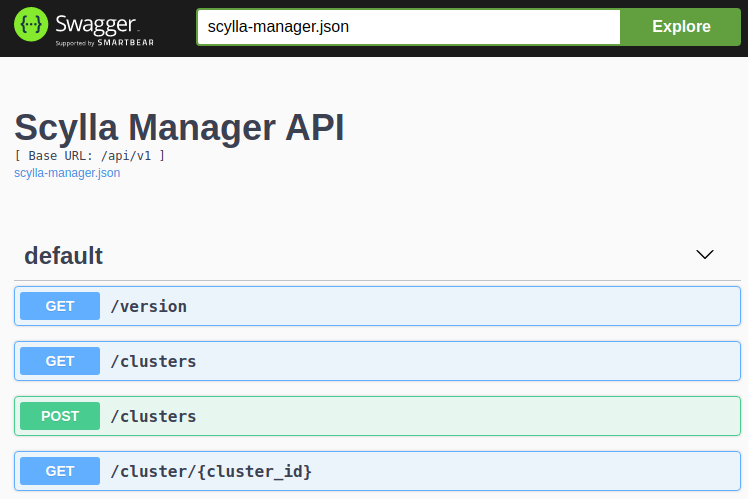
Launch UI in your browser
The following procedure instructs how to access a remote ScyllaDB Manager Server UI from your workstation.
Prerequisites
SSH access to host running ScyllaDB Manager Server.
Procedure
Get to know address and port ScyllaDB Manager Server is listening on. By default it’s localhost and port 5080. If that is not the case check the
httpandhttpsconfiguration options in the config file.Open SSH tunnel from your workstation to the ScyllaDB Manager Server host. The following example works with the default settings. If needed adjust address and port.
ssh -L 5080:localhost:5080 <host>
Open http://localhost:5080/ui/ in your browser.